
If you are searching for how to add credit card to PhonePe, you are not alone. This is one of the most searched and misunderstood UPI-related questions in India today.
Many users assume that credit cards work on PhonePe just like debit cards. Others see the “RuPay Credit Card on UPI” option and get confused when their card does not appear. As a result, people waste time trying different steps without getting clear answers.
In this detailed guide, you will learn how to add credit card to PhonePe, what actually works in India, what does not work, why your credit card may not be showing, and how to avoid common mistakes.
Let’s start with the most important clarity.
How to add credit card to PhonePe – the truth you must know
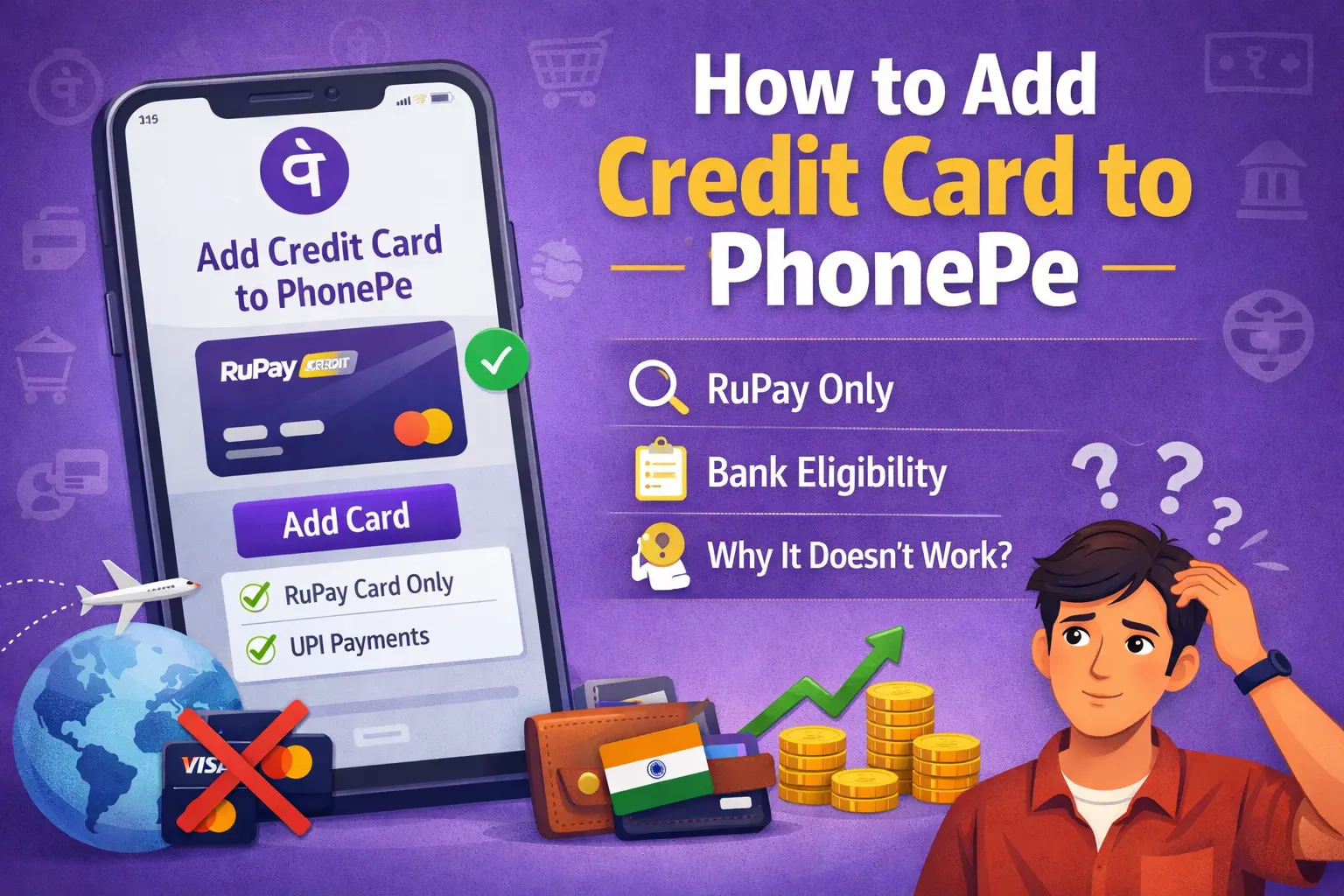
Before following any steps, understand this clearly:
You cannot add a regular credit card to PhonePe the way you add a bank account or debit card.
PhonePe does not support:
- Visa credit cards
- Mastercard credit cards
- American Express cards
- International credit cards
However, there is one limited exception.
You can add a RuPay credit card on UPI to PhonePe only if:
- Your credit card is issued on the RuPay network
- Your issuing bank supports UPI on credit cards
- The merchant you are paying accepts UPI via credit card
This guide focuses entirely on that supported method, not assumptions.
PhonePe Terms – Credit & Debit card payment infoWhy people search “how to add credit card to PhonePe”
The high search volume exists because of three main reasons:
- People want cashback and reward points using credit cards
- Users want short-term credit flexibility till the billing date
- Confusing information online creates false expectations
PhonePe fully supports debit cards and bank accounts, but credit card support is partial and conditional, which causes confusion.
What types of credit cards are supported on PhonePe?
Let’s separate facts from myths.
Credit cards that work on PhonePe
- RuPay credit cards
- Only for merchant payments
- Only when the bank and merchant support it
Credit cards that do NOT work on PhonePe
- Visa credit cards
- Mastercard credit cards
- American Express cards
- Co-branded international cards
You cannot send money to friends or contacts using a credit card on PhonePe.
How to add credit card to PhonePe (step-by-step)
If you have a RuPay credit card and your bank supports UPI on credit cards, follow these steps.
Step 1: Update your PhonePe app
Make sure you are using the latest version of the PhonePe app from the Play Store or App Store.
Step 2: Open PhonePe and go to profile
- Tap on your profile icon
- Go to Bank Accounts or Payment Methods
Step 3: Look for RuPay Credit Card option
If eligible, you will see an option like:
- “Add RuPay Credit Card”
- “Credit Card on UPI”
If you don’t see this option, your card or bank is not supported yet.
Step 4: Verify your mobile number
Your credit card must be linked to the same mobile number registered on PhonePe.
Step 5: Complete OTP verification
PhonePe may ask for:
- Last digits of your credit card
- OTP sent by your bank
Once verified, your credit card will appear as a payment option for eligible merchants.
This is the only correct way to add credit card to PhonePe in India.
Banks that support RuPay credit card on PhonePe
Support varies by bank and card variant, but commonly includes select cards from:
- SBI
- HDFC Bank
- ICICI Bank
- Axis Bank
- Punjab National Bank
- Union Bank of India
Not all RuPay cards from these banks are supported. Always confirm with your bank.
Why my credit card is not showing in PhonePe?
This is the most common issue users face. Here are the real reasons.
1. Your card is not RuPay
Only RuPay credit cards are supported. Visa and Mastercard cards will not show.
2. Your bank has not enabled UPI on credit cards
Some banks issue RuPay cards but haven’t activated UPI functionality.
3. Merchant does not accept credit card on UPI
Many merchants accept UPI only via bank account, not via credit card.
4. PhonePe app is outdated
Older versions may not show the credit card option.
5. Mobile number mismatch
Your PhonePe account and credit card must have the same registered mobile number.
Can I send money to friends using credit card on PhonePe?
No.
UPI credit cards cannot be used for:
- Sending money to contacts
- P2P transfers
- Bank-to-bank transfers
They are strictly meant for merchant payments.
Charges and limits when you add credit card to PhonePe
Transaction limits
- Limits are set by the issuing bank
- Merchant category restrictions apply
Charges
- PhonePe does not charge UPI fees
- Merchants may bear MDR
- Interest applies if you do not pay your credit card bill on time
From the user’s perspective, it behaves like a normal credit card transaction.
Does using credit card on PhonePe affect credit score?
Yes, indirectly.
- Transactions increase credit card utilization
- High utilization may impact your credit score
- Timely repayment helps maintain a good score
UPI itself does not affect credit score. Repayment behaviour does.
Debit card vs credit card on PhonePe
| Feature | Debit Card | Credit Card |
|---|---|---|
| Supported on PhonePe | Yes | Limited (RuPay only) |
| Send money to contacts | Yes | No |
| Merchant payments | Yes | Yes (select merchants) |
| Interest | No | Yes, if unpaid |
| Credit score impact | No | Yes |
Should you use credit card on PhonePe?
Use it only if:
- You understand credit card billing
- You repay the full amount on time
- You want short-term flexibility
Avoid it if:
- You already have high credit utilization
- You often miss payment due dates
Convenience should never harm long-term financial health.
FAQs – How to add credit card to PhonePe
Can I add Visa credit card to PhonePe?
No. Visa credit cards are not supported on PhonePe for UPI.
Can I add Mastercard credit card to PhonePe?
No. Mastercard credit cards are not supported.
Is RuPay credit card mandatory to add credit card to PhonePe?
Yes. Only RuPay credit cards are eligible.
Why does PhonePe ask for debit card details?
Debit card verification is used for bank and mobile number authentication.
Can I earn rewards using credit card on PhonePe?
Yes, subject to your credit card’s reward policy and merchant eligibility.
Is it safe to use credit card on PhonePe?
Yes. Transactions are secured through UPI and bank-level authentication.
Final words on how to add credit card to PhonePe
If you remember just one thing, remember this:
You can add a credit card to PhonePe only if it is a RuPay credit card supported by your bank and accepted by the merchant.
.